
Stop your iPhone saving HEIC, and convert the photos you already have
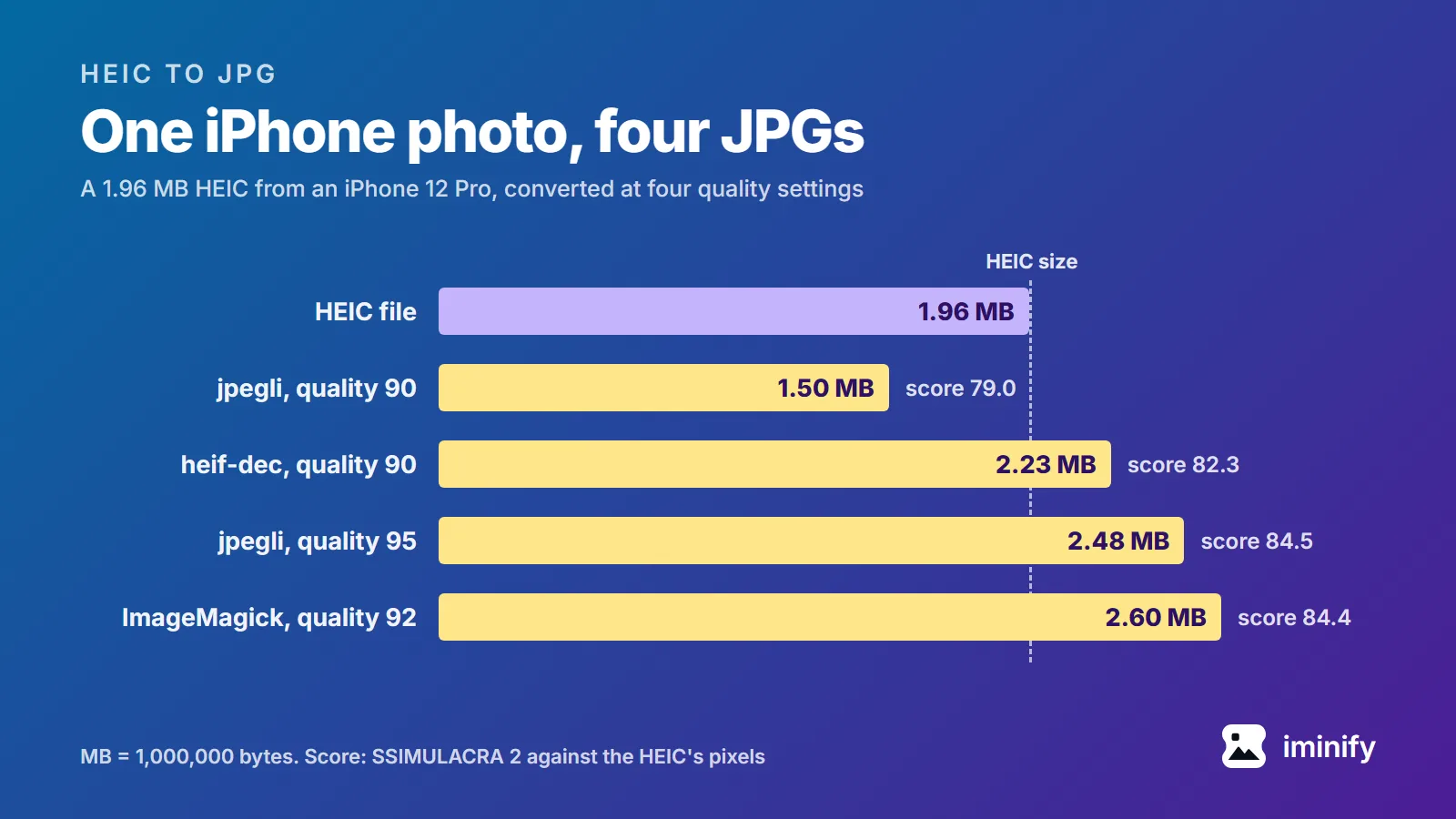
An iPhone saves its photos as HEIC unless you tell it not to. To make it save JPG instead, open Settings, tap Camera, tap Formats and choose Most Compatible. That changes new photos only: everything already on the phone stays HEIC, and those files need converting. We converted three HEIC photos taken on an iPhone 12 Pro to see what that costs. In the table below, the JPGs came out anywhere from 24% smaller to 61% bigger than their HEICs, and by default two of the three converters we tried kept the photo's GPS location.
6 min read