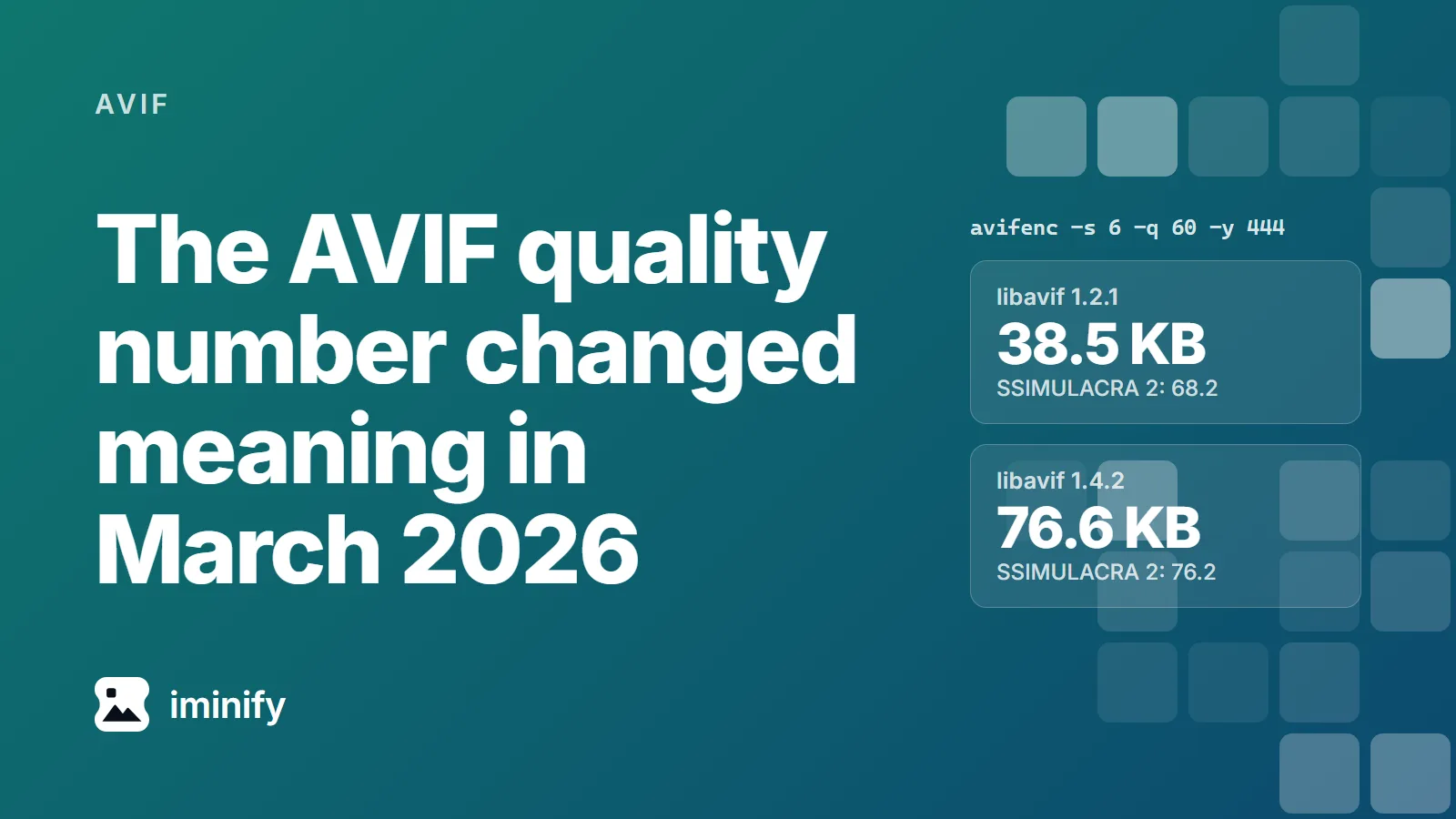
We ran one avifenc command on one photo, the raspberries from our corpus, in two containers. On Debian 13, whose libavif-bin is 1.2.1, it wrote 38.5 KB. On Alpine edge, which packages libavif 1.4.2, it wrote 76.6 KB: twice the file, the biggest increase of our ten, at a SSIMULACRA 2 score of 76.2 instead of 68.2. Neither container is broken. In March 2026 libavif changed what the number means.
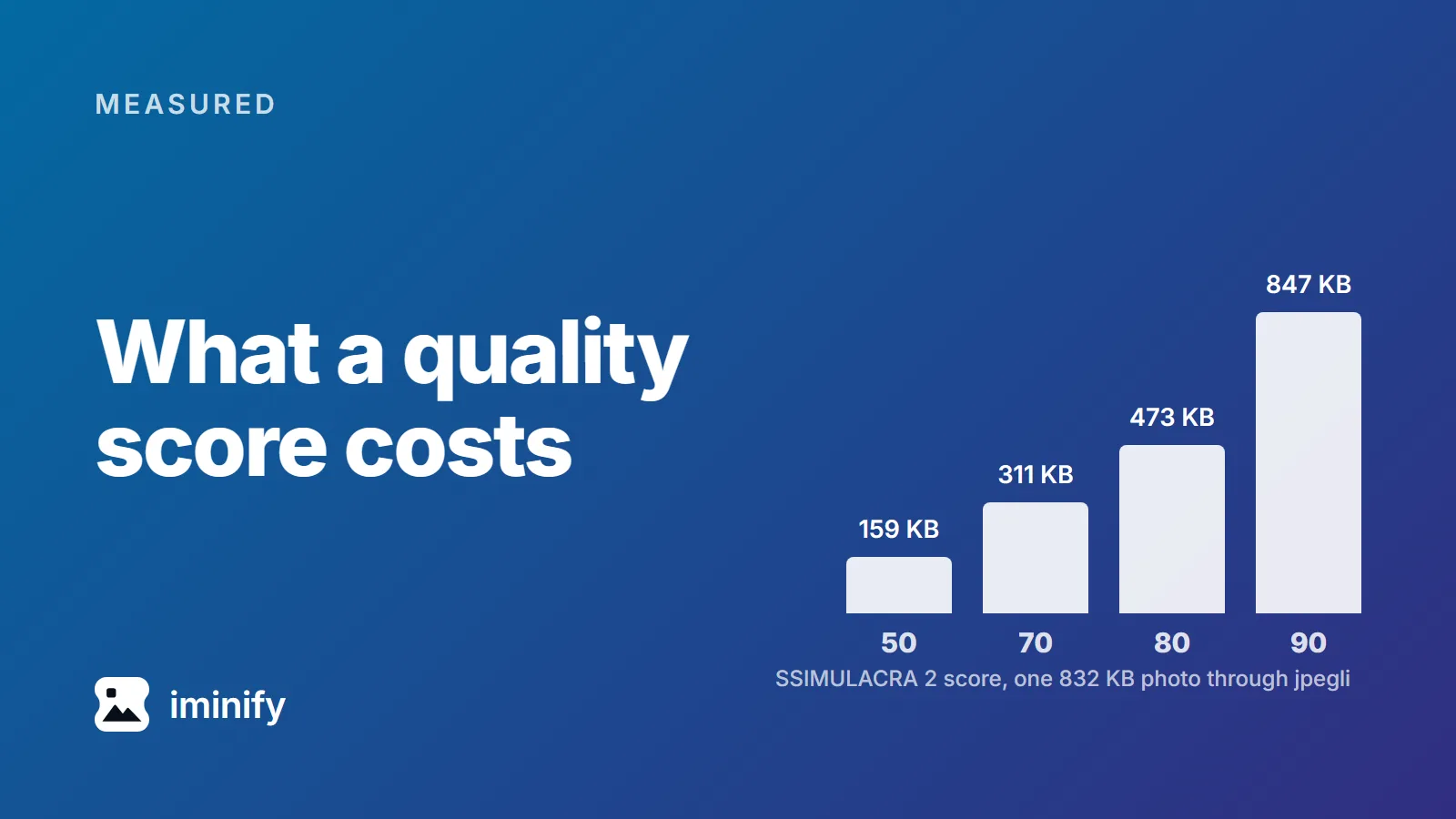
We ran cwebp at quality 75 over ten images, at the settings below. A night skyline came out at 63.0 on the SSIMULACRA 2 scale, an app icon at 83.1. Same encoder, same quality number, twenty points apart, and 63 sits below the line the scale calls "artifacts are perceptible, but not annoying". A quality number tells the encoder how hard to try. SSIMULACRA 2 describes what came out, on a scale topping out at 100, and means much the same for a JPEG, a WebP or an AVIF. So we measured what each point costs: ten public images, three encoders, a grid of quality settings across each encoder's range, bisected around each target.
·
8 min read
Try it on your own images
Drop a photograph in, pick Smart, and compare the result with the original before you download. Free, no account needed.
Google Ads and Google Analytics cookies show us which pages bring people here and let us show our ads to people who have visited.
Accept keeps them on; Reject turns them off and removes the ones we can reach.
Signing in and your theme work either way.
Cookie details