Why is my WebP bigger than the JPG? Measured on 40 JPEGs and 4 PNGs
On this page
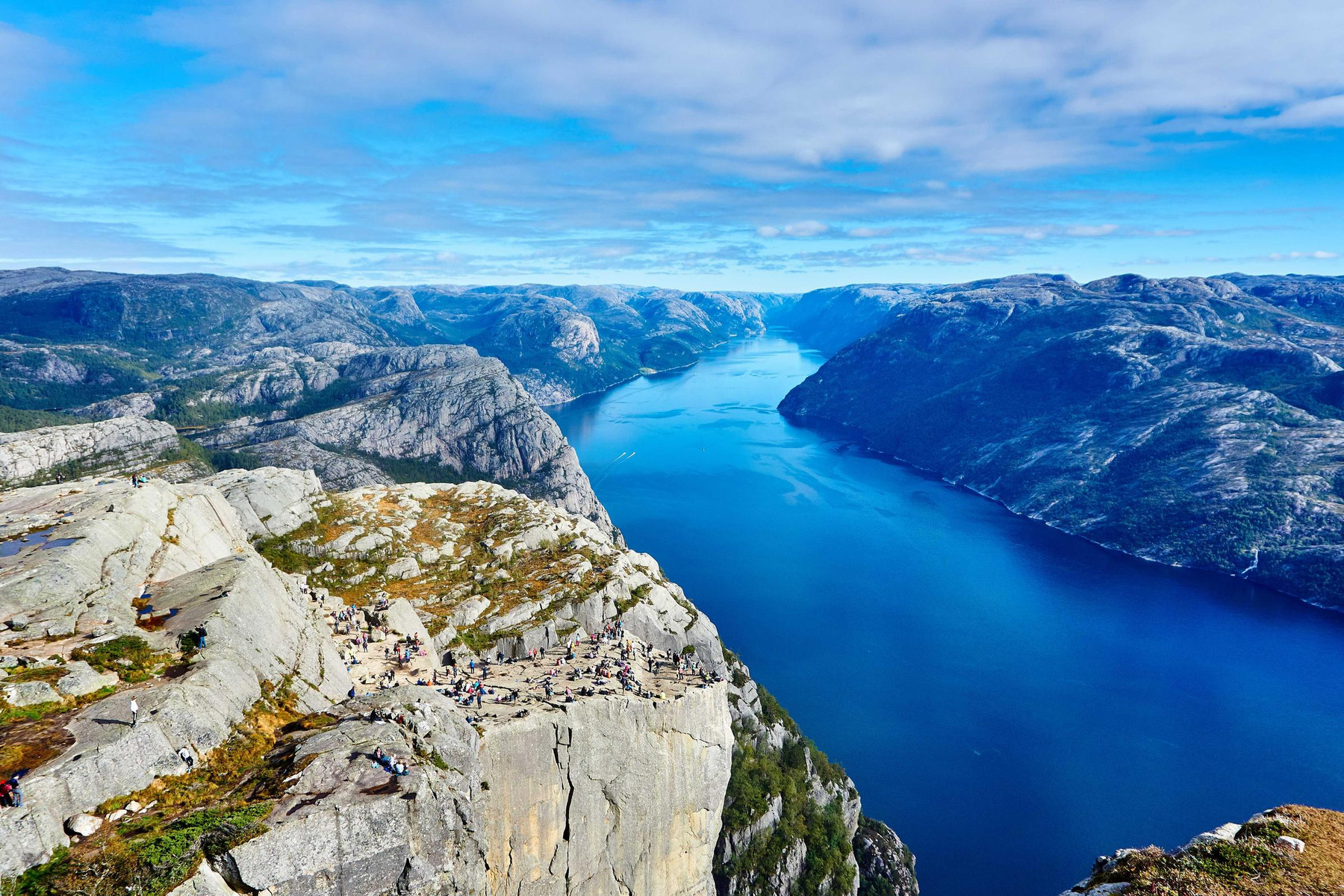
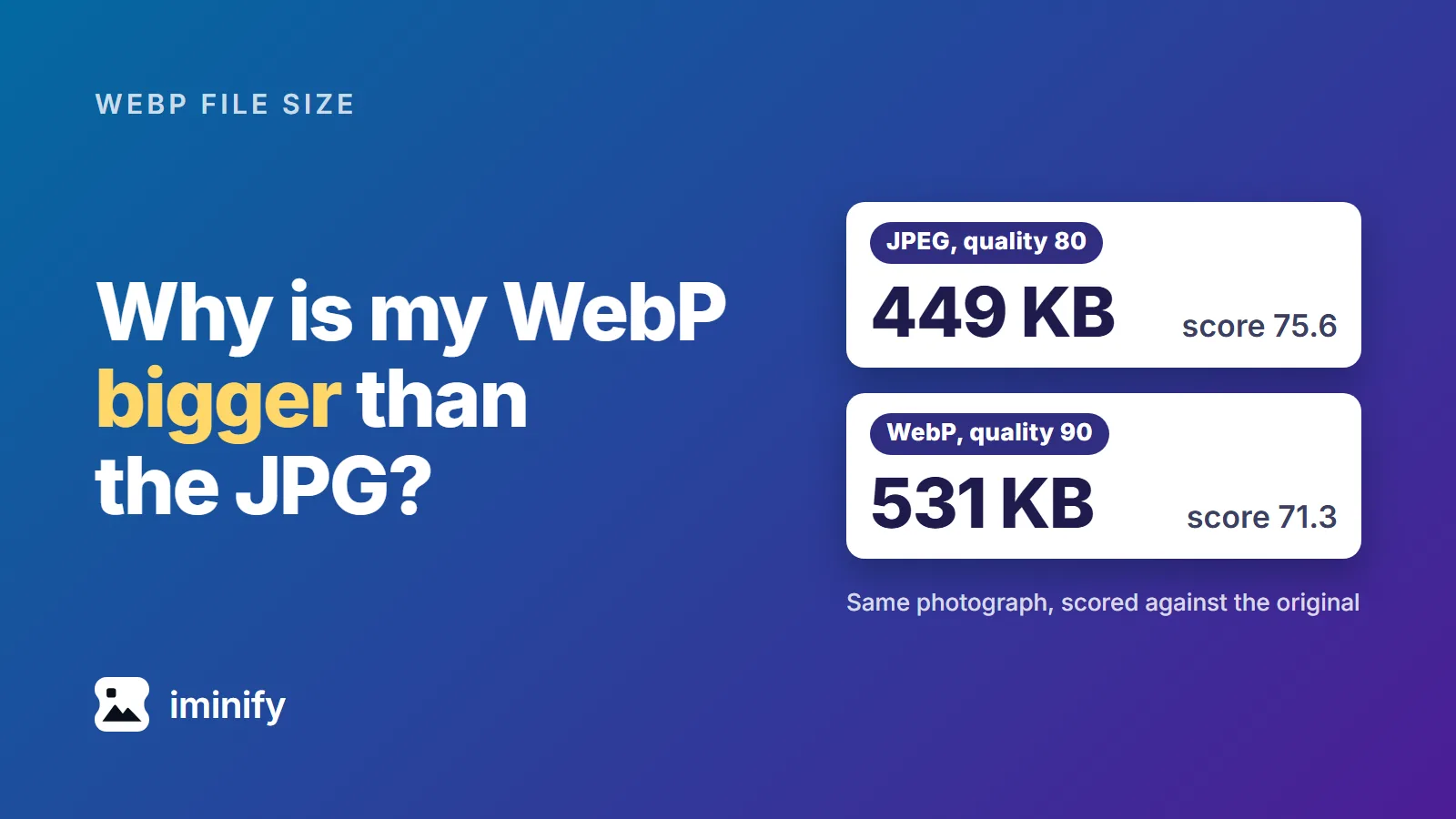
One photograph of our corpus, the Fjord, saved as a JPEG at quality 80 weighed 449,258 bytes. Converted to WebP at quality 90, it weighed 531,474, which is 18% more. Scored against the corpus master it came from (a JPEG saved at quality 92), the bigger file was also the worse picture: 71.3 on SSIMULACRA 2, a score where higher means closer to the master, against 75.6 for the JPEG.
Google's WebP FAQ says a WebP can grow larger than its source and names three situations. We measured each on five photographs and four graphics. A WebP comes out bigger when its quality is set too high for the JPEG it came from, when it is lossless, or when a PNG already squeezed to 256 colours goes to lossy WebP. A fourth cause, which the FAQ doesn't list, is that WebP isn't always smaller than a good JPEG even at the same score. Whichever it is, keep the smaller file when the two look alike.
A JPEG saved at 80 turns into a bigger WebP from about quality 90
Google's example is a JPEG saved at 80 and a WebP at 95. We saved the five JPEG photographs of our corpus as new JPEGs at 60, 70, 80 and 90 with libjpeg-turbo's cjpeg (other programs number their qualities differently) and made a WebP of each of the 20 with cwebp. The table gives the lowest WebP quality whose file is at least as big as its JPEG, which we call the crossing:
| JPEG saved at | Fjord | Raspberries | Night skyline | Canoe | Cafe |
|---|---|---|---|---|---|
| 60 | 76 | 87 | 82 | 86 | 87 |
| 70 | 80 | 89 | 85 | 88 | 90 |
| 80 | 87 | 93 | 90 | 92 | 92 |
| 90 | 94 | 96 | 95 | 96 | 97 |
Read a row of the table as "the WebP is bigger from this quality up". For a JPEG saved at 80 that is 87 to 93, so Google's 95 gave a bigger file on all five photographs, at 128% to 153% of the JPEG. Across the 20, WebP 75, cwebp's default, was never bigger and WebP 100 always was. For the JPEGs saved at 80, WebP 80, the same number, gave files 39% to 79% of the JPEG's size, and they scored lower than it, because a quality number means something different in each encoder.
The extra bytes buy almost nothing. Of the 51 WebPs we made at qualities 75, 80, 90, 95 and 100 that came out bigger than their JPEG, 50 scored below it; the other scored 0.1 higher, at 132% of the JPEG's size. At the crossing, each WebP scored below its JPEG on all 20, by 1.1 to 6.9 points, and a WebP at quality 100, which is still lossy, scored below the JPEG every time.
Those results are for JPEGs saved at 60 to 90. We repeated the search on 20 more, saved at 20, 30, 40 and 50. There the crossing fell to between WebP 30 and 86, WebP 75 was bigger than the JPEG on 7 of the 20, and at the crossing the WebP scored higher than its JPEG on 13 (by up to 14.9 points) and lower on 7. At the crossing, a WebP of a hard-compressed JPEG can score higher than the JPEG.
Converting the master instead of the JPEG gives a different answer. A WebP made from the master reached the JPEG's score at 57% to 97% of its bytes for JPEGs saved at 60, 70 and 80. For JPEGs saved at 90 a WebP took 110% on one photograph and fell short on the other four, even at quality 100.
A lossless WebP of a JPEG is 3 to 9 times the JPEG
The 20 JPEGs saved at 60 to 90 became lossless WebPs 3.3 to 9.1 times as big, 4.6 to 6.9 times for the ones saved at 80. Every pixel matched the JPEG's own decoding, so the file holds the JPEG's artefacts exactly. In 2015 Jyrki Alakuijala, who says in the thread that he designed the lossless WebP format, wrote in the WebP discussion group that the lossy JPEG compression adds "ringing and 8x8-block border artefacts that can actually require more bytes when compressed with WebP lossless". Google's FAQ lists this case.
You can land here without choosing it. ImageMagick 7.1.1 at -quality 100 turned the 176,681-byte Cafe JPEG saved at 80 into a 1,049,842-byte lossless WebP. Quality 100 in cwebp itself stays lossy, and gave 181% to 199% of the JPEGs saved at 80.
A PNG squeezed to 256 colours: lossless WebP beats it, lossy often doesn't
A tool like pngquant cuts a PNG to a palette of at most 256 colours. We made those files for the four graphics of the corpus, and all four are byte for byte the Smart PNGs Iminify publishes. Then we made WebPs from their pixels:
| Graphic | Palette PNG | Lossless WebP | Lossy, quality 80 | Lossy, quality 90 |
|---|---|---|---|---|
| Desktop screenshot | 88,643 | 78,510 | 159,008 | 208,342 |
| Phone screenshot | 265,870 | 244,182 | 184,040 | 262,644 |
| Social card | 44,566 | 41,218 | 24,502 | 36,592 |
| App icon | 19,673 | 16,724 | 30,506 | 39,178 |
Lossless WebP was smaller than the palette PNG on all four, by 7.5% to 15%. Lossy WebP at 80 was bigger on the desktop screenshot (179%) and the icon (155%), and at 90 on those two again (235% and 199%). Google's FAQ blames the conversion to YUV 4:2:0, which "will introduce new colors that are harder to compress than the original ones". Against the unsqueezed PNG, lossy WebP at 80 was the smaller file: 158,822 bytes for the desktop screenshot, about half of its 310,366.
WebP isn't always smaller than a good JPEG, even at the same score
Google's FAQ gives WebP "an average of 30% more compression than JPEG". In our first post, made from the masters, cwebp files at a score of 70 were 2% to 11% bigger than jpegli's on four of the five photographs. Iminify's published showcase has two such cases: at Smart, its default level, the Fjord is 568,598 bytes as a JPG and 576,734 as a WebP, and the Raspberries 57,166 against 61,552. Scored by us against the masters, the pairs came to 84.2 and 83.1 for the Fjord and 70.9 and 71.0 for the Raspberries.
What to do with a WebP that came out bigger
- Keep the smaller file when the two look alike. Nothing is lost by keeping the JPEG. The Modern Image Formats plugin (version 2.7.1) from WordPress's performance team does this by default and discards a WebP larger than the matching JPEG. Iminify's Auto format writes every format your image can be saved in and keeps the smallest, for images up to about eight megapixels (larger ones go straight to WebP): for the desktop screenshot it returned the 88,643-byte PNG. Asking for WebP skips that comparison: Smart wrote 71,814 bytes from the 64,694-byte Cafe saved at 20, the one of our nine JPEG uploads where it came out bigger, while Auto returned a 39,963-byte AVIF.
- Convert the original. If you still have the PNG, RAW file or export the JPEG came from, convert that and compare the sizes as in step 1.
- If a JPEG saved at 60 to 90 is all you have, expect a trade, not a free saving. For the JPEGs saved at 80, WebP 75 was 29% to 66% of the JPEG and scored 14.0 to 17.1 points below it; WebP 80 was 39% to 79% and 9.8 to 13.7 points below. Keeping the JPEG is a fair answer. If you convert, JPG to WebP sets the quality from a score floor instead of a number you pick.
- Keep a palette PNG as it is, or convert it losslessly. PNG to WebP has a Lossless level.
How we measured
The photographs are the corpus's five JPEG masters, saved at quality 92, and "the master" above means that file. The graphics are its four PNGs. This is the opening example on the Fjord, whose master is photo-landscape/original.jpg:
djpeg -ppm -outfile photo.ppm master.jpg
cjpeg -quality 80 -outfile photo-80.jpg photo.ppm
cwebp -quiet -m 6 -pass 10 -mt -metadata none -q 90 photo-80.jpg -o photo-80-q90.webp
dwebp -quiet -ppm photo-80-q90.webp -o photo-80-q90.ppm
ssimulacra2 photo.ppm photo-80.jpg
ssimulacra2 photo.ppm photo-80-q90.ppm
It scores the JPEG at 75.64 and the WebP at 71.34, rounded to two decimals. The tools are libjpeg-turbo 2.1.5, libwebp 1.5.0 and ssimulacra2 from libjxl v0.12.0. The table's qualities come from a bisection over qualities 1 to 100 on file size, with the neighbours checked, using the flags Iminify uses for a photograph. Lossless runs used -lossless -z 9 in place of -q. For the PNGs we ran pngquant 2.18.0 with --speed 1 at quality 65-90 and 75-100, then zopflipng at five iterations, and kept the smaller file; the lossy WebPs of the graphics also used -sharp_yuv.
The showcase figures are the bytes of its published files, and every score is ours. Iminify's own results come from its API on 25 October 2026, at Smart with format webp or auto: nine JPEG uploads (the Fjord, Raspberries and Cafe masters, the Cafe saved at 80, 60, 30 and 20, and the Raspberries saved at 30 and 20) and the desktop screenshot's PNG.