Does converting PNG to WebP lose quality? Five files, every pixel checked
On this page
We converted five PNG files to WebP with the encoder forbidden to throw anything away, then compared every pixel against the original. All five kept every 8-bit pixel, and the files were between 28.6% and 77.3% smaller.
So no, converting a PNG to WebP doesn't have to cost you anything you can see. The catch is that it isn't the conversion you're usually pointed at. Of the first four results for this question in September 2026, three recommend a quality number between 80 and 100, and in cwebp every one of those is a lossy setting. So is the button marked "compress PNG". Here's what each of them actually costs.
Converted losslessly, all five kept every 8-bit pixel
The five come from the image set we published with our first post: two browser screenshots of a Wikipedia article, our own app icon and social card, and a product photograph decoded to PNG from that set's lossy WebP master.
| File | As PNG, bytes | Lossless WebP, bytes | Saved |
|---|---|---|---|
| Desktop screenshot, 1440x900 | 310,366 | 156,046 | 49.7% |
| Mobile screenshot, 1170x2532 | 982,193 | 555,372 | 43.5% |
| App icon with transparency, 1600x1600 | 115,885 | 26,316 | 77.3% |
| Social card, 1200x630 | 213,407 | 147,460 | 30.9% |
| Product photo, 1800x1200 | 507,515 | 362,586 | 28.6% |
Four of those WebP files are the sample results we publish on our PNG to WebP page, which lists the same four Lossless percentages. We hashed what we encoded here against what the site sends, and they're the same files, byte for byte.
Anyone can check that. Encode the PNG, decode the WebP straight back, and count the pixels that differ:
cwebp -m 6 -pass 10 -lossless -z 9 -metadata none screenshot-desktop.png -o lossless.webp
dwebp lossless.webp -o roundtrip.png
magick compare -metric AE screenshot-desktop.png roundtrip.png null:
-lossless is the flag that matters: drop it and the same command writes a 130,962-byte lossy file. The rest are the effort and metadata settings our own Lossless level passes, and they are there so the command reproduces the table exactly. The last line prints 0 (0): zero pixels differ, out of 1,296,000. On the perceptual scale we use for everything else, SSIMULACRA 2, the desktop screenshot and the social card both score exactly 100.00.
Google's published figure for lossless WebP is 26% smaller than PNG. All five of ours beat it, which says more about these five files than about Google's corpus.
One of the five isn't quite that clean. Our app icon is a 16-bit PNG, two bytes per colour channel, and WebP stores one: "WebP supports 24-bit RGB color with an 8-bit alpha channel," as that same FAQ puts it. Read as ordinary 8-bit pixels, the two files are identical. The precision below that is gone, though no channel moved by as much as one step of an 8-bit channel. Run the check above on that icon and it reports 4,639 pixels out of 2,560,000, every one of them for that reason.
Pick the Lossless level: iminify.com/png-to-webp?level=lossless.
Quality 100 is not the same thing as lossless
The second of those results, when we looked in September 2026, says: "At quality 100, the conversion is near-lossless and the output is visually identical to the original PNG."
That depends on the tool, and the gap is wide. ImageMagick 7.1.2, with its WebP coder built in, really does switch to lossless at quality 100: we ran it on the desktop screenshot and got 153,660 bytes with zero differing pixels. cwebp, the encoder Google ships and the one behind our WebP files, does not. At -q 100, with the same effort flags and the sharp chroma our own lane gives a graphic, the same screenshot costs 307,514 bytes and scores 87.04, against 156,046 bytes and 100.00 for -lossless. Nearly twice the file, and no longer at 90, the mark the scale calls visually lossless.
The quality slider and the lossless switch are two different compressors, not two ends of one dial. If you want nothing lost, ask for lossless by name.
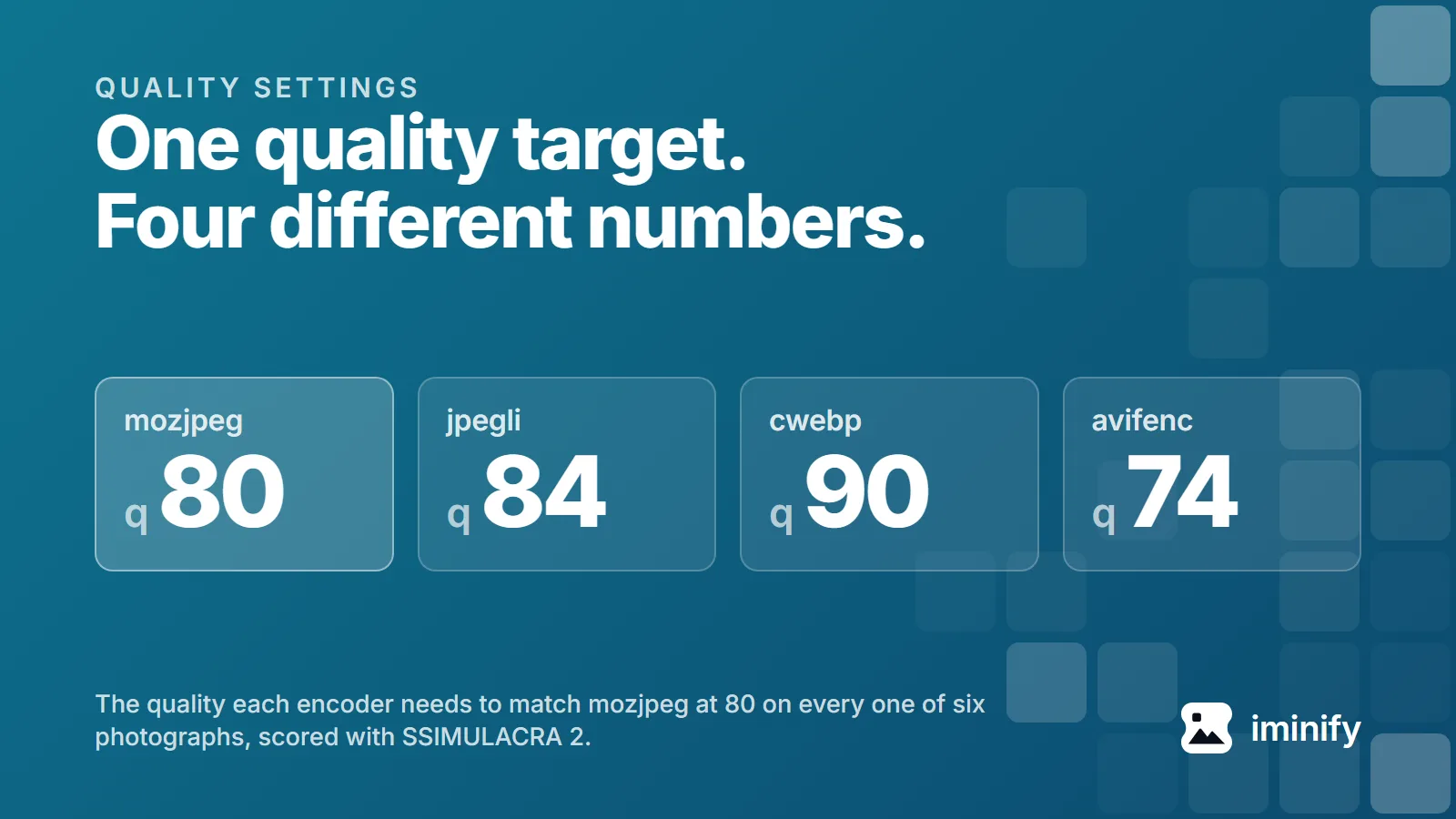
Quality 80 is the other number these pages recommend, and it turns up in a reply on a 14-reply Microsoft community thread about converting PNGs "without losing quality". On the desktop screenshot, quality 80 gives 158,822 bytes and a score of 81.86. That is 2,776 bytes more than the lossless file, in exchange for every pixel in the image. What a quality number buys differs so much between encoders that we gave it a post of its own.
What the default setting does to a screenshot
Our default level is Smart, which is lossy.
For a graphic under 12 megapixels, Smart and Ultra encode a lossy candidate, a lossless one, and a near-lossless one that nudges pixel values so the lossless coder packs them better, and they keep whichever comes out smallest. On the desktop screenshot the near-lossless encode wins: 102,858 bytes, scoring 90.72. On the app icon it wins too, at 19,794 bytes and 91.44. Both sit above 90, the mark the scale calls visually lossless, and both come in under the lossless file from the table: 34% smaller for the screenshot, 25% for the icon. On the other two, the mobile screenshot and the social card, the plain lossy encode was smaller, and that is what the site serves.
A photograph is a different story, because the lossless and near-lossless candidates only run on an image the encoder reads as a graphic. Everywhere else Smart is an ordinary lossy encode, held to a PSNR floor of 40 dB and then to a score of 70. Those are targets, not guarantees, and on a big enough image the second check is skipped entirely. The two classes are far enough apart that we measured the gap at four rendered widths.
A JPG puts white where your transparency was
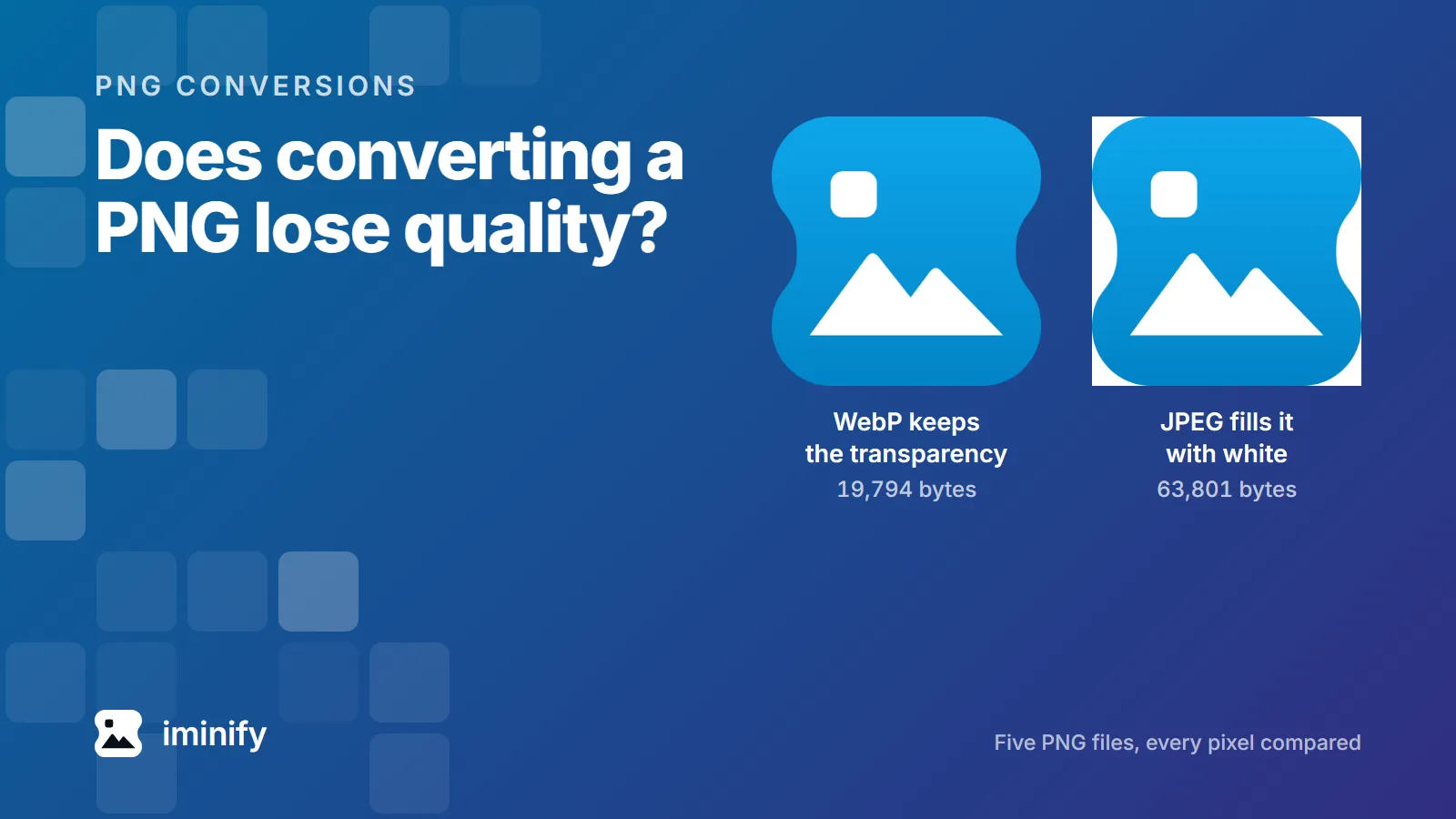
JPEG has no alpha channel, so a transparent PNG cannot survive the trip intact. Something has to go behind the picture, and what we put there is white.
Flattened onto white the way our JPEG lane does it, then encoded at quality 85, our app icon comes to 63,801 bytes. The file the site actually serves for that icon, a WebP at Smart, is 19,794 bytes and still transparent. So: 3.2 times the file, for a worse result. And on any page that isn't white, the JPEG is unusable.
The compress-PNG button is the lossy one
This is the conversion people expect to be safe, because the file is still a PNG afterwards.
It isn't, past a point. A lossless repack gets a PNG some of the way: zopflipng took that desktop screenshot from 310,366 bytes to 184,444 without touching a pixel, which is what our Lossless level hands back. Going further means giving the file a palette, and the format allows "from 1 to 256 palette entries". The tool for that is pngquant, which describes itself as "a command-line utility and a library for lossy compression of PNG images", and it's what our PNG lane runs at Smart and Ultra. Neither of the floors that hold our lossy WebP and JPEG output in place applies here: no PSNR target, no perceptual check. pngquant has one of its own, and it is a refusal rather than a target: miss the bottom of the range and it writes nothing at all, so the file gets repacked losslessly instead.
Put the desktop screenshot through the range our Smart level asks for, 65 to 90, and it scores 89.87, near enough to untouched. The product photograph through the same range scores 67.06, under the 70 the scale calls hard to fault without the original beside you. The lane also tries the one range above its own, 75 to 100, and keeps whichever file came out smaller. On that photo the higher range wins, because fewer colours means more dithering and dithering is noise that deflate cannot pack: 219,312 bytes after the repack, scoring 77.90.
If the file has to stay a PNG, compress-png is the page for it, and Lossless repacks it without touching a pixel, unless the file is in a wide colour space, which gets converted to sRGB.
How this was measured
The encodes came from cwebp and dwebp 1.5.0, pngquant 2.18.0, zopflipng 1.0.3 at five iterations and cjpegli from jpegli at commit 031a0077f579, scored with ssimulacra2 from libjxl v0.12.0 at a7a9c787341c, in the container that holds our production encoders. ImageMagick 7.1.2-12 wrote the quality-100 WebP, flattened the icon onto white and ran the pixel comparisons, and Pillow 12.3.0 checked those again. The cwebp runs at quality 80 and quality 100 add -sharp_yuv, which is what our own lane gives a graphic; the block above and the photograph's runs do not. Every flag in the block above is one our Lossless level passes, which is why that command reproduces the table. Source files and their licences are in the corpus we published.
Three questions for your own file
Does it have transparency? Then not JPEG.
Is it a screenshot or a flat graphic? Then lossless WebP is probably small enough already.
Is it a photograph that somebody saved as a PNG? Then it was the wrong format from the start. The product photo in our table is 507,515 bytes as a PNG and 362,586 losslessly; at quality 80 it is 23,252, scoring 78.40.