Does Wix compress images? Yes, and on JPG images its AVIF is a median 16 percent smaller than its WebP, not 50
On this page
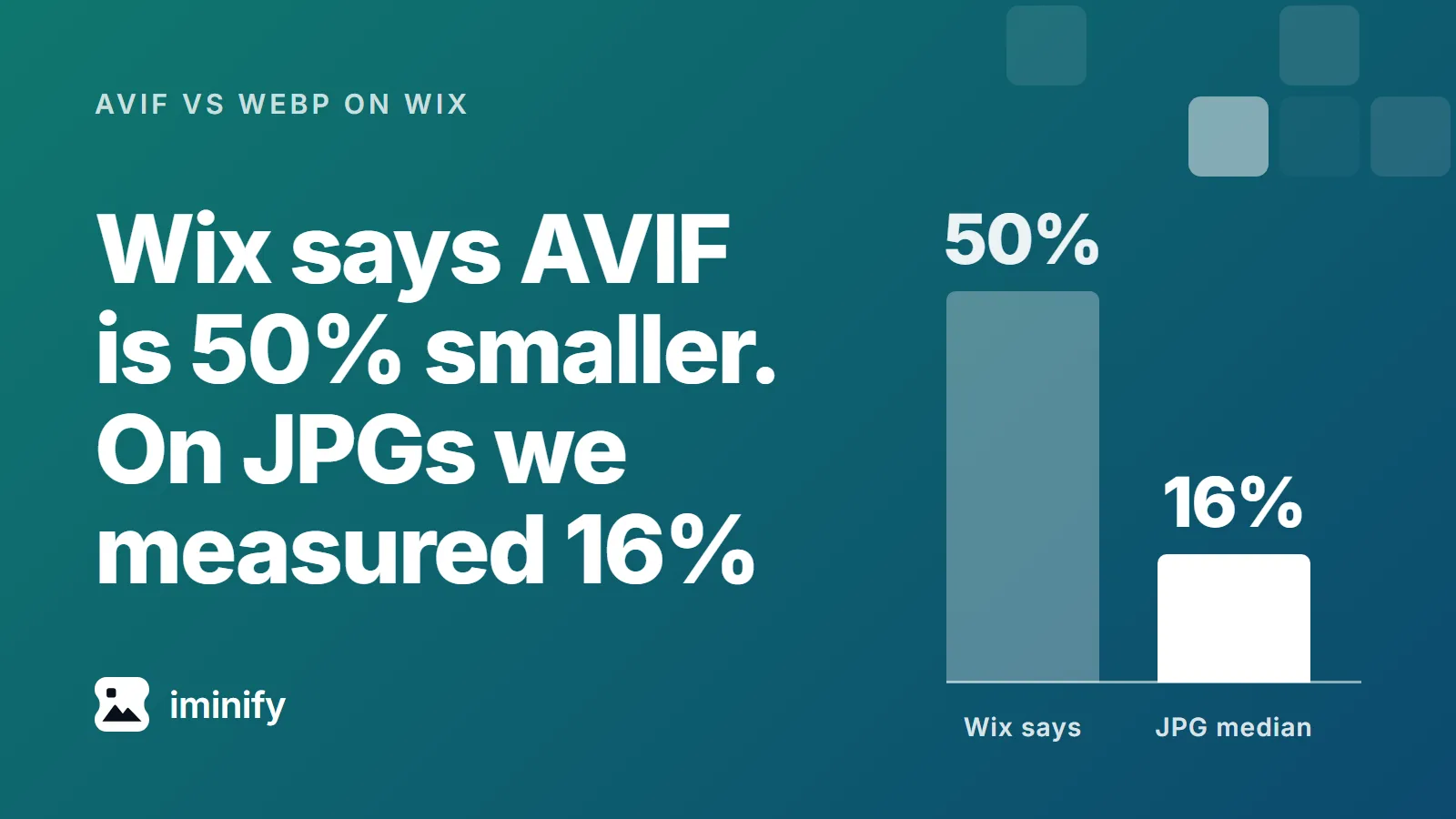
Yes. On 7 November 2026 we loaded 103 public Wix pages in Chrome 156 and asked Wix's image servers for 544 of the images on them, as three kinds of browser would. For JPG images, Chrome's AVIF weighed a median 3.1% of the media file, the public file at the image's bare address. Wix's SEO guide says AVIF files are "approximately 50% smaller than WebP". Across 358 JPG images, Wix's AVIF was a median 16.4% smaller than Wix's WebP of the same image, and 110 of the AVIFs were heavier.
The full sentence is in Wix's SEO Hub guide to image optimization, published on 18 March 2026 and updated on 18 October: "AVIF files are approximately 50% smaller than WebP and can be up to 80% smaller than a standard JPEG without sacrificing visual quality." On Wix's supported file types page, a note under background images says images are "automatically converted to AVIF format on your live site". We tested the sentence two ways, as served and at the same quality score, and looked at the public file behind every image.
What Wix sent Chrome, by file type
541 of the 544 addresses Chrome used carry an enc_ flag (enc_avif on 509, enc_auto on 32), and the Accept line the browser sends decides what comes back, as we showed for Squarespace and in why images save as WebP. For each image we asked as Chrome does, as a browser with WebP and no AVIF does, and as a browser with neither does. Then we fetched the media file.
| The media file is | JPG (358 images) | PNG (172 of 175) | GIF (6) | WebP (5) |
|---|---|---|---|---|
| Chrome got | AVIF | AVIF | the GIF | AVIF |
| WebP only got | WebP | WebP | the GIF | WebP |
| Neither got | JPEG | PNG | the GIF | WebP |
| Chrome's bytes in total | 18.5 MB | 6.0 MB | 26.8 MB | 0.5 MB |
| WebP only's bytes | 25.3 MB | 32.0 MB | 26.8 MB | 0.6 MB |
| Neither's bytes | 37.7 MB | 70.5 MB | 26.8 MB | 0.4 MB |
| The media files' bytes | 1,029 MB | 327 MB | 26.8 MB | 7.4 MB |
Two JPG images got a PNG from the browser with neither format, and the three addresses with no enc_ flag were PNG images that every browser got as PNG. Chrome got an AVIF for 535 of the 544 images. For JPG images the AVIF's median size was 3.1% of the media file, and nine in ten were under 22.7%. Wix's Help Center lists switching this off as a feature request, for the Wix Editor and the Studio Editor: "Currently, it is not possible to disable this optimization."
Wix says AVIF is 50% smaller than WebP. On JPG images we measured 16%
Across the 358 JPG images, the middle half of the AVIFs ranged from 3.2% larger than Wix's WebP to 34.7% smaller. It reached 50% smaller on 14 of them.
At best it was 95.3% smaller and at worst 49.6% larger. PNG images, further down, gave a larger gap.
A smaller file isn't necessarily the same quality, so we scored the copies with SSIMULACRA 2, where 100 is identical, 80 is "very high quality" and 50 is "medium quality". The reference was Wix's own lossless PNG of the same image at the same size. Across 339 of the 358 images the medians were 77.6 for the AVIF, 78.9 for the WebP and 82.8 for the JPEG that browsers with neither format get. The AVIF scored below the WebP on 219 of them and below the JPEG on 286.
To compare at one score, we took one JPG image from each of 80 sites and asked for AVIF, WebP and JPEG from q_30 to q_100 in steps of ten, plus the quality the page asked for. We read the bytes at a score of 70 and of 80, between the two nearest qualities, and counted an image only where its qualities bracketed that score. The AVIF was asked for with a plain quality setting, without the quality_auto flag Wix's own pages add. At 80 it was a median 13.5% smaller than the WebP across 72 images, larger in 5 and never 50% smaller. At 70 it was 11.5% smaller across 73.
"Up to 80% smaller than a standard JPEG" holds in bytes for a few: 8 of 356 AVIFs were that far under the JPEG that browsers with neither format get, and the median was 46.8%. At a score of 80 the median was 30.6% across 74 images and 1 reached 80%.
Our AVIF against WebP test found a third off in total at score 80, with the encoders we chose, on ten images of ours.
Every image has a public file behind it
Strip the resizing parameters from a Wix image address and you get the media file. All 544 media files answered, with Cache-Control: public, max-age=15552000, immutable. Their median size was 998,860 bytes, 36 were over 10 MB and 63 were wider than 5,000 pixels.
We can't say the media file is what the owner uploaded: we uploaded nothing. Counted over the 544 files, 69 carried a camera make or model, 3 carried GPS coordinates, and 21 carried a C2PA manifest, the kind of signature that any re-encode breaks. We didn't validate those manifests. None of the 1,632 copies Wix served carried any of the three.
Some copies are heavier than the file, and PNGs cost browsers without AVIF
Six of the 535 AVIFs Chrome got weighed more than the media file: five from PNG images and one from a JPG, files of 2,457 to 37,031 bytes. A 3,662-byte file came back as a 10,975-byte AVIF.
PNG images are the other expensive case, for browsers without AVIF. For the 172, Wix's AVIF was a median 73.1% smaller than its WebP, which was in WebP's lossless format every time, and the largest WebP copy was 1,121,732 bytes. Wix left the six GIFs unchanged, up to 10.5 MB, which matches the SEO guide's line that GIFs "will not be auto compressed".
What to upload
The SEO guide says Wix does not compress images over 25MB and that you should compress those yourself. Our largest media file was 25,268,542 bytes, and Chrome got a 44,953-byte AVIF for it. The guide doesn't say whether its MB is 1,000,000 or 1,048,576 bytes: on the first reading that file is over the limit and was still compressed, on the second it is under. We can't say whether compressing before you upload changes what Wix sends.
- Upload as wide as the widest place you'll show the picture. The SEO guide recommends at least 2,560 by 1,440. The pages we loaded asked for a median of 663 pixels in a 1,440-pixel window, and 48 of 544 images asked for 99% or more of the media file's width.
- Take camera and location data out before you upload. Anyone can fetch the 69 media files with a camera make or model. Iminify removes it from the result by default, but it keeps your upload, metadata included, until you delete it, and a guest without an account loses access about two hours after the last request while the files stay in storage: its privacy policy says "We keep an upload and its optimized copy until you delete it."
- Use JPG where a PNG has no transparency. 51 of the 172 PNG images had none, and their media files had a median of 2.1 MB. Those 51 cost browsers without AVIF 16.5 MB as WebP and 35.1 MB as PNG, against Chrome's 2.2 MB. The SEO guide calls uploading a JPEG to save space "no longer necessary", so the case for JPG here is the browsers without AVIF, and we didn't upload a JPG instead, so what Wix makes of one is untested. Iminify set to JPG converts a PNG.
How we measured
On 7 November 2026 we loaded 103 Wix pages in Chrome 156.0.8078.74 at 1440 by 900 pixels with a device scale factor of 1. They were 19 Wix template demos and 84 customer sites from eleven roundups of Wix sites: a convenience sample. From each page we took up to six images, the widest by the first width in their address, skipping blurred placeholders and anything under 200 pixels, and swapped in a PNG, GIF or WebP when the first six had none. That gave 544 images from 101 sites, two demos having none. We requested each URL Chrome used with Chrome's Accept line, with image/webp,image/*,*/*;q=0.8 and with image/*,*/*;q=0.8.
Scores are SSIMULACRA 2 from libjxl 0.12.0 against Wix's own PNG render of the same transform. We moved each copy by up to one pixel to line it up with that render; 47 AVIFs, 20 WebPs and 17 copies for browsers with neither format needed it. Of the 358 JPG images, 356 had a JPEG for browsers with neither format, and 339 of those went into the score medians: 6 had addresses that wrap another address and could not be given a reference render, 2 had a copy that did not score, and 9 more are left out because their AVIF scored under 70 as served and still under 80 at q_100. AVIFs were decoded with libavif 1.2.1, which agreed with Chrome's own rendering (53 dB PSNR or more) of the four we checked.