Does compressing an image change what Gemini reads? Full-colour JPEG quality 95 to 40 didn't, shrinking to 600 pixels did

On this page
Gemini 3.8 Flash read the same number of fields from a full-colour jpegli JPEG saved at quality 40 as from one saved at quality 95, on both of the text sheets we tested. A copy shrunk to 600 pixels wide, a PNG with no JPEG loss in it, read 15 fields fewer than the quality 95 file on both, comparing medians.
A field is one code, price, date or 12-digit number, and each sheet holds 192 of them as random strings, so there's nothing to guess from. Anthropic's vision page says "heavy JPEG compression can make text difficult to read" and gives no number. Google's image page advises "Use clear, non-blurry images" and doesn't mention compression. We read both pages on 8 November 2026. These numbers are for Gemini 3.8 Flash, through the API, on 8 November 2026.
Quality 40 read the same as quality 95
Each sheet is 1600 by 1500 pixels: six blocks of eight lines, four fields a line. Five blocks are black text at 32, 22, 16, 12 and 9 pixels, and one is red at 16. One sheet is set in Inter and the other in JetBrains Mono, so we call them the Inter sheet and the Mono sheet.
We saved each as JPEGs with jpegli at ten qualities (the table shows eight), keeping full colour (4:4:4), which the title and lead call full-colour. We scored them against the PNG with SSIMULACRA 2 (the scale is in our first measurement post) and counted the fields Gemini transcribed exactly. Each cell is the median of three runs, four for some Inter files that an earlier pass had also sent, with the lowest and highest count in brackets (no brackets when every run agreed). When a sentence gives two figures in a row, the first is the Inter sheet and the second the Mono sheet.
| Quality | Inter sheet bytes | Score | Inter fields read | Mono fields read |
|---|---|---|---|---|
| PNG original | 227,871 | 192 | 189 (188 to 189) | |
| 95 | 572,995 | 83.7 | 192 | 188 (186 to 188) |
| 80 | 310,848 | 75.4 | 192 | 189 (188 to 189) |
| 60 | 220,327 | 66.2 | 192 | 188 (187 to 189) |
| 40 | 171,852 | 58.1 | 192 | 188 (186 to 188) |
| 30 | 157,014 | 54.7 | 190 (189 to 191) | 183 (180 to 186) |
| 20 | 125,269 | 46.5 | 189 (189 to 190) | 181 (178 to 183) |
| 10 | 88,883 | 31.4 | 180.5 (180 to 182) | 166 (166 to 168) |
| 5 | 76,286 | 28.1 | 169 (166 to 172) | 154 (153 to 155) |
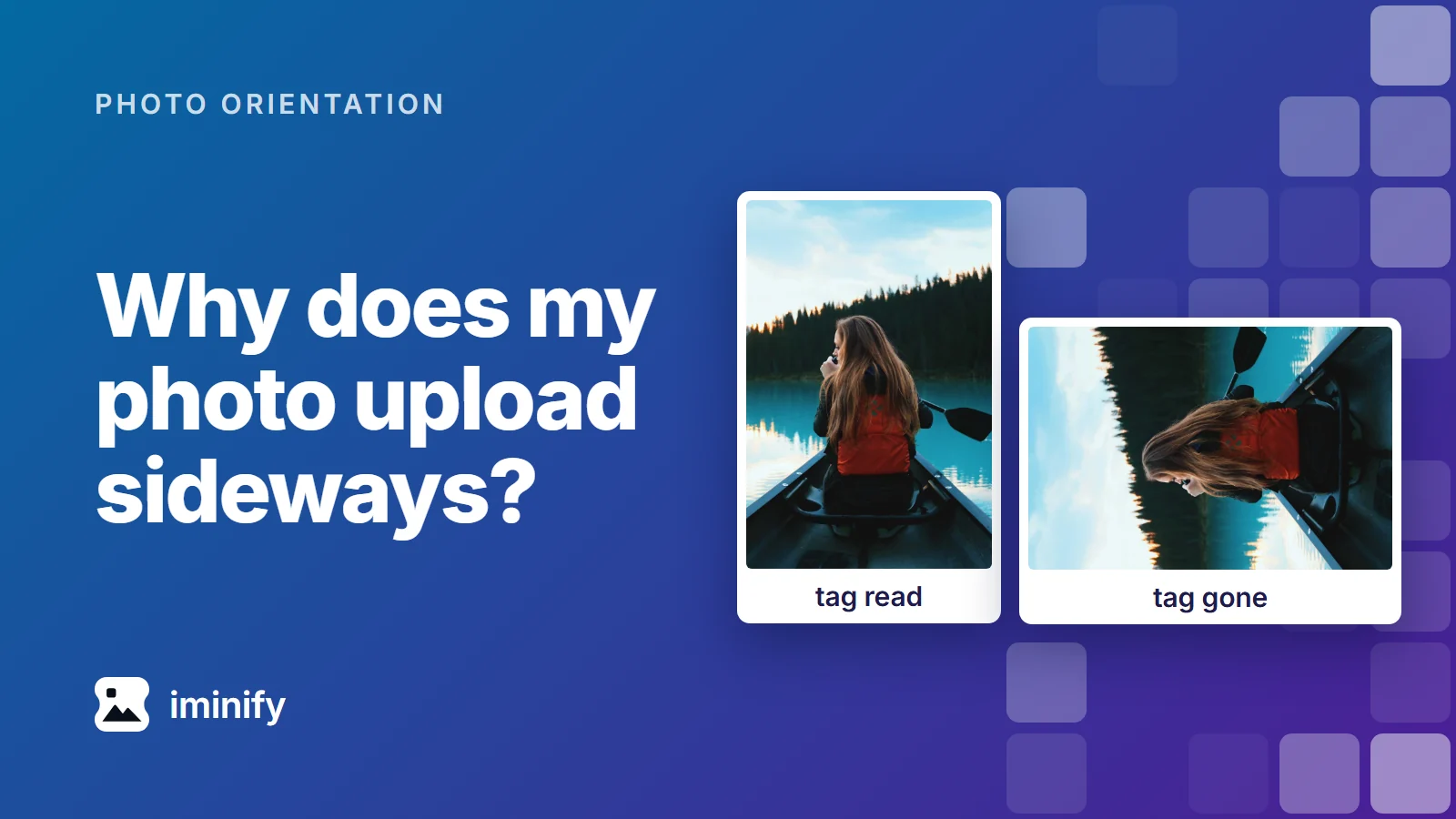
The Mono JPEGs were within 3 percent of these sizes and 0.7 of these scores. No Mono file at 1600 pixels reached 192: even from the PNG, its 9-pixel block read 29 of 32 fields. From 95 to 40 the counts stay at 192 on the Inter sheet and inside 186 to 189 on the Mono sheet. The first loss is at 30, in the smallest blocks, and it widens from there. On the Inter sheet's 9-pixel block, which the cover shows, quality 40 read all 32 fields and quality 5 read 9 to 14.
The wrong answers look like right ones. Every answer we counted had all 48 lines, and in the JPEG answers most errors are one character swapped for a look-alike, most often an 8 where the sheet has a 0 or a 6. This is the Inter sheet at quality 5:
sheet:  UX-5007-Z   1,665.67   2026-08-02   9109 7878 8542
Gemini: UX-6007-Z 1,685.67 2026-08-02 8109 7878 8642
Three of that line's four fields are wrong. Nothing flags it.
At 40, 20, 10 and 5, JPEGs with 4:2:0 colour read the same or fewer fields at the same quality number (at quality 10, 172 to 174 and 157, against 180 to 182 and 166 to 168) and weighed about a fifth less (71,577 bytes against 88,883 on the Inter sheet). The red block lost no more fields than the black block of the same size.
At the same size, a 400-pixel copy read worse than quality 10
We shrank the PNGs with ImageMagick. They carry no JPEG loss, so any drop is pixels alone:
| Width | Inter bytes | Inter fields read | Mono bytes | Mono fields read |
|---|---|---|---|---|
| 1600 (original) | 227,871 | 192 | 218,002 | 189 (188 to 189) |
| 1000 | 380,999 | 192 | 364,159 | 192 (191 to 192) |
| 800 | 252,349 | 192 (191 to 192) | 248,009 | 182 (182 to 184) |
| 600 | 176,610 | 177 (175 to 182) | 176,314 | 173 (171 to 176) |
| 500 | 135,142 | 162 (159 to 163) | 134,436 | 160 (155 to 160) |
| 400 | 87,955 | 141 (140 to 142) | 87,136 | 118 (110 to 119) |
| 300 | 54,692 | 88.5 (86 to 90) | 56,677 | 75 (75 to 79) |
At about 88,000 bytes, a JPEG at quality 10 read 180 to 182 fields on the Inter sheet and 166 to 168 on the Mono sheet. The 400-pixel PNG read 140 to 142 and 110 to 119. Shrinking doesn't always cost. The Mono sheet at 1000 pixels read more than its own 1600-pixel PNG.
Compressing didn't change the token count, but media_resolution did
Every file at the default counted 1,088 image tokens, from 54,692 bytes to 572,995, as our token post found for a 4K image. Google's media_resolution changes it: on these sheets 272 tokens at low, 528 at medium and 2,160 at ultra_high. At low, the original PNGs read 170 to 171 fields on the Inter sheet and 152 to 156 on the Mono sheet, a loss about as big as quality 5's (166 to 172 and 153 to 155). At ultra_high, quality 5 read 170 to 171 and 157 to 160.
The file with the lower score read better
SSIMULACRA 2 scored the single-pass quality 10 files 31.4 and 31.3. It scored the files saved ten times at quality 40, each pass starting from the last one's pixels (we've re-saved JPEGs before), 16.9 and 15.4. The ten-pass files read better: 190 to 191 against 180 to 182 on the Inter sheet, 182 to 185 against 166 to 168 on the Mono sheet. One pass at 40 read 192 and 186 to 188.
Below a score of 55 the counts in the first table fall with the score. Re-saved files didn't follow it: quality 40 saved five times scored 27.4 and 26.3 and read 191 to 192 and 184 to 185. We didn't test why.
Iminify's Smart and Ultra files read like the PNG
We uploaded both PNGs to Iminify through its API on the same day and asked for the three formats Gemini lists that Iminify writes. Google's image page lists PNG, JPEG, WebP, HEIC and HEIF.
| Output | Inter bytes | Score | Inter fields read | Mono bytes | Mono fields read |
|---|---|---|---|---|---|
| Smart WebP | 75,394 | 89.7 | 192 | 71,712 | 188 |
| Ultra PNG | 93,599 | 88.6 | 192 | 92,714 | 189 (188 to 190) |
| Smart PNG | 102,243 | 89.3 | 192 | 101,675 | 188 (188 to 189) |
| Ultra JPG | 279,222 | 72.8 | 192 | 272,196 | 188 (188 to 189) |
| Smart JPG | 429,888 | 80.7 | 192 | 420,492 | 189 |
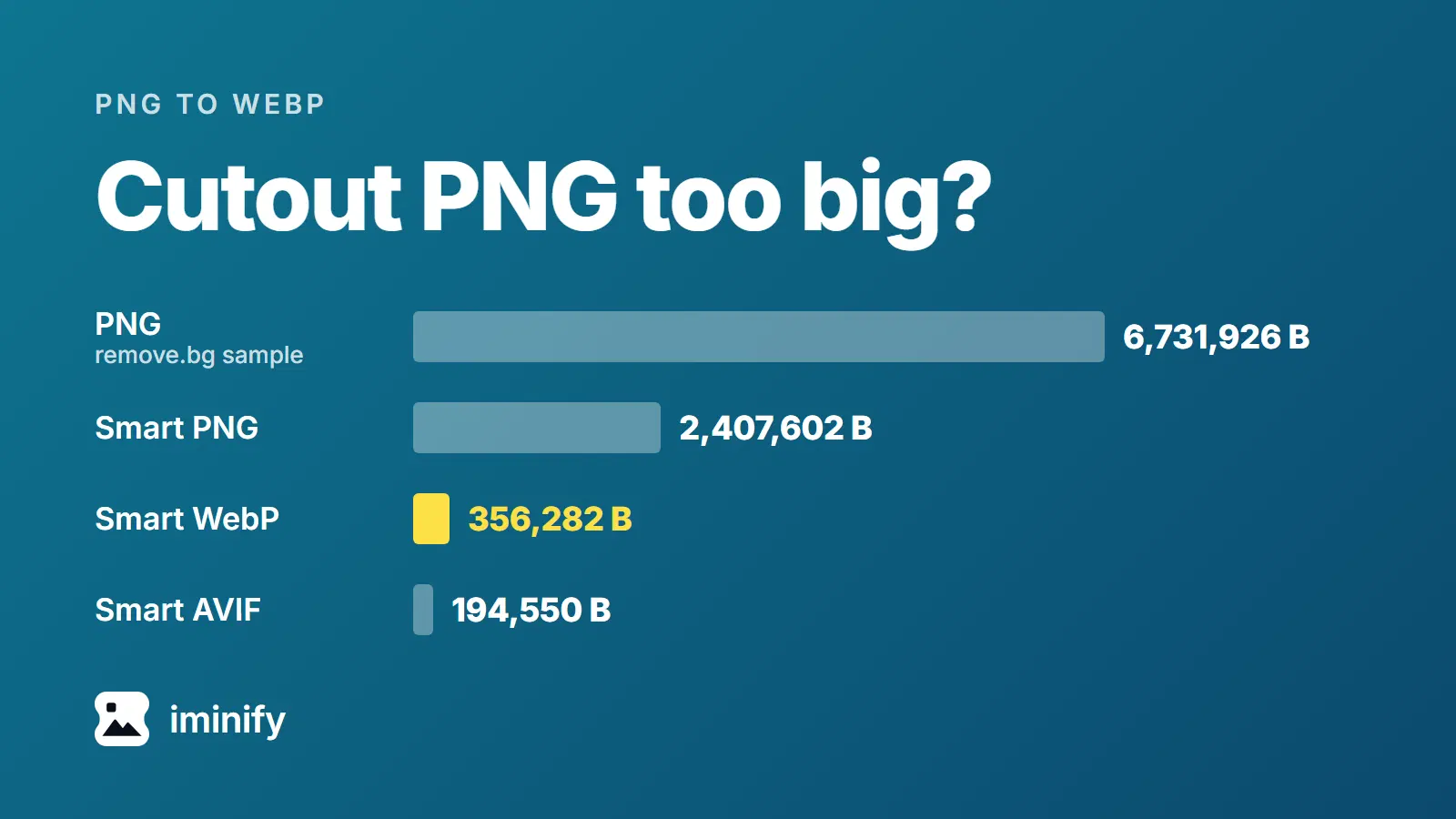
On these sheets Smart's JPG is quality 90 and Ultra's is 75, byte for byte what jpegli writes at those settings with 4:4:4 colour, and both are bigger than the PNG we uploaded. The Smart WebP is 33 percent of the Inter PNG's bytes, and it read the same.
What we'd send
- For text laid out like ours, a screenshot or a page you render yourself, send the Smart WebP or a Smart or Ultra PNG. They read like the original, at a third of its bytes for the WebP and under half for the PNGs.
- If you have to make a JPEG, jpegli files at 4:4:4 and quality 40 or above read like quality 95 on both sheets. Other encoders number their qualities differently, and our smallest blocks broke first, so check yours.
- If you shrink an image, read the width table first. At 600 pixels both sheets read 15 fewer fields than at quality 95 (medians 177 against 192, and 173 against 188).
- For dense text, leave
media_resolutionat its default.
Then send ten of your own files at the setting you picked and count the codes or totals you can check by eye.
How we measured
We rendered the sheets with headless Chrome from a fixed seed. JPEGs came from cjpegli (jpegli commit 031a0077) at -q <n> --chroma_subsampling=444 on the PNG, at ten qualities from 95 to 5, and with 420 at 80, 40, 20, 10 and 5 (Inter also at 95 and 60, once). The scores came from ssimulacra2 (libjxl 0.12.0), with WebP decoded first. Widths came from ImageMagick 7.1.1-43 with -resize <n>x, saved as PNG.
Gemini got each file inline through generateContent on gemini-3.8-flash, the model name each response reported, with the prompt before the image: "Transcribe all of the text in this image exactly as it is written, including any very small text, one row of text per line. Output only the transcription." We set no temperature and left thinking at its default. A field counts as read when its characters, spaces ignored, appear anywhere in the answer. Two calls hit our 16,384-token output cap while thinking and were run again with a 32,768-token cap.
Repeating some files with thinking set to low, and seven Inter files on gemini-3.1-flash-lite, gave medians within 3 fields of the default runs. We tested neither the Gemini app nor any other vendor's models, and nothing but these two sheets of black and red text on white.